Robotics & Board Emulators
Explore the emulators used in RoboGeex Innovation Programs to help learners simulate coding, robotics, and electronics projects in a virtual environment. These tools support hands-on learning by allowing students to test ideas, understand concepts, and practice before using real robots and boards.
Emulator List
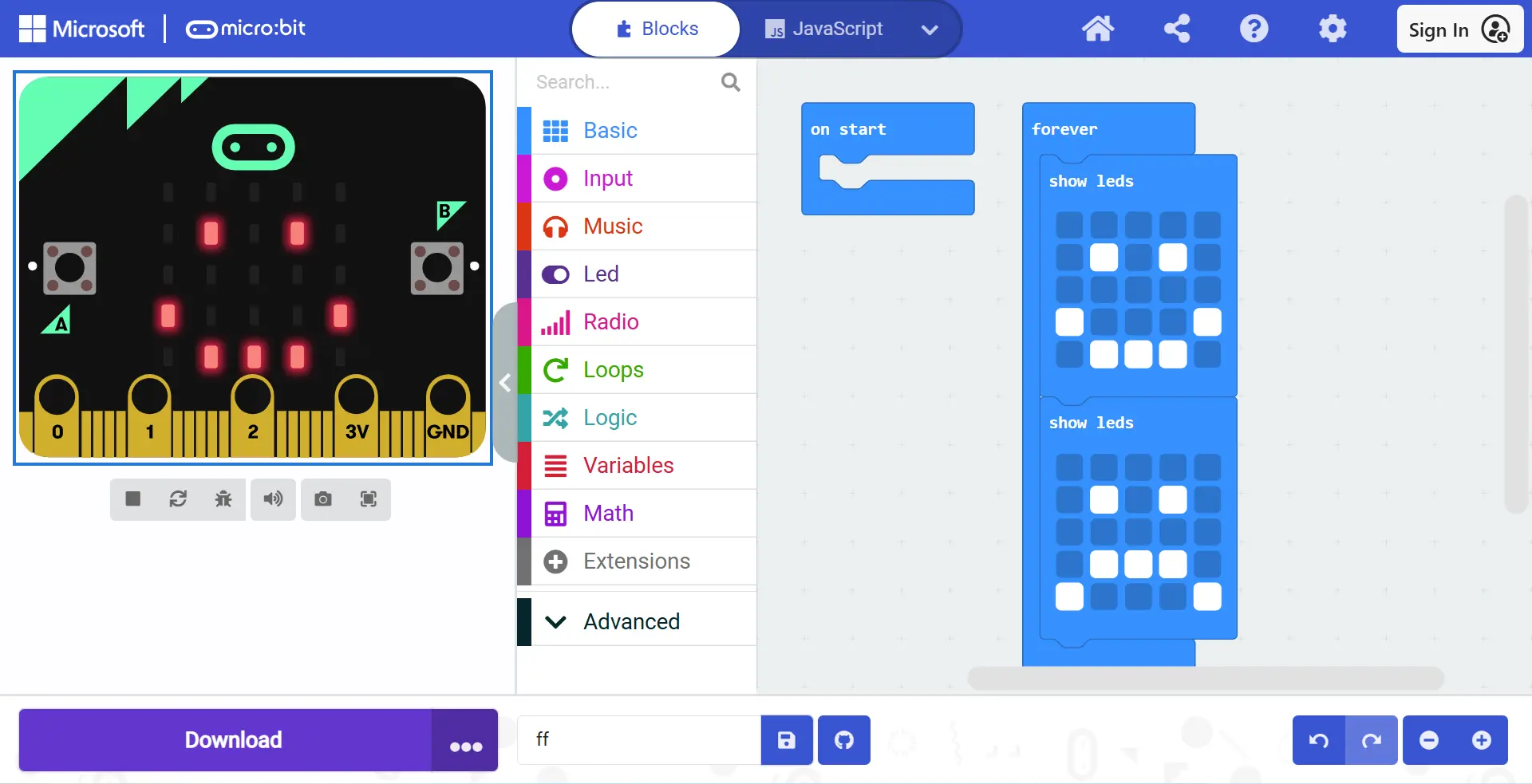
Microsoft MakeCode Micro:Bit
A simple and interactive emulator used for coding micro:bit and other supported devices. It helps learners test their programs instantly and understand how their code works in a visual way.
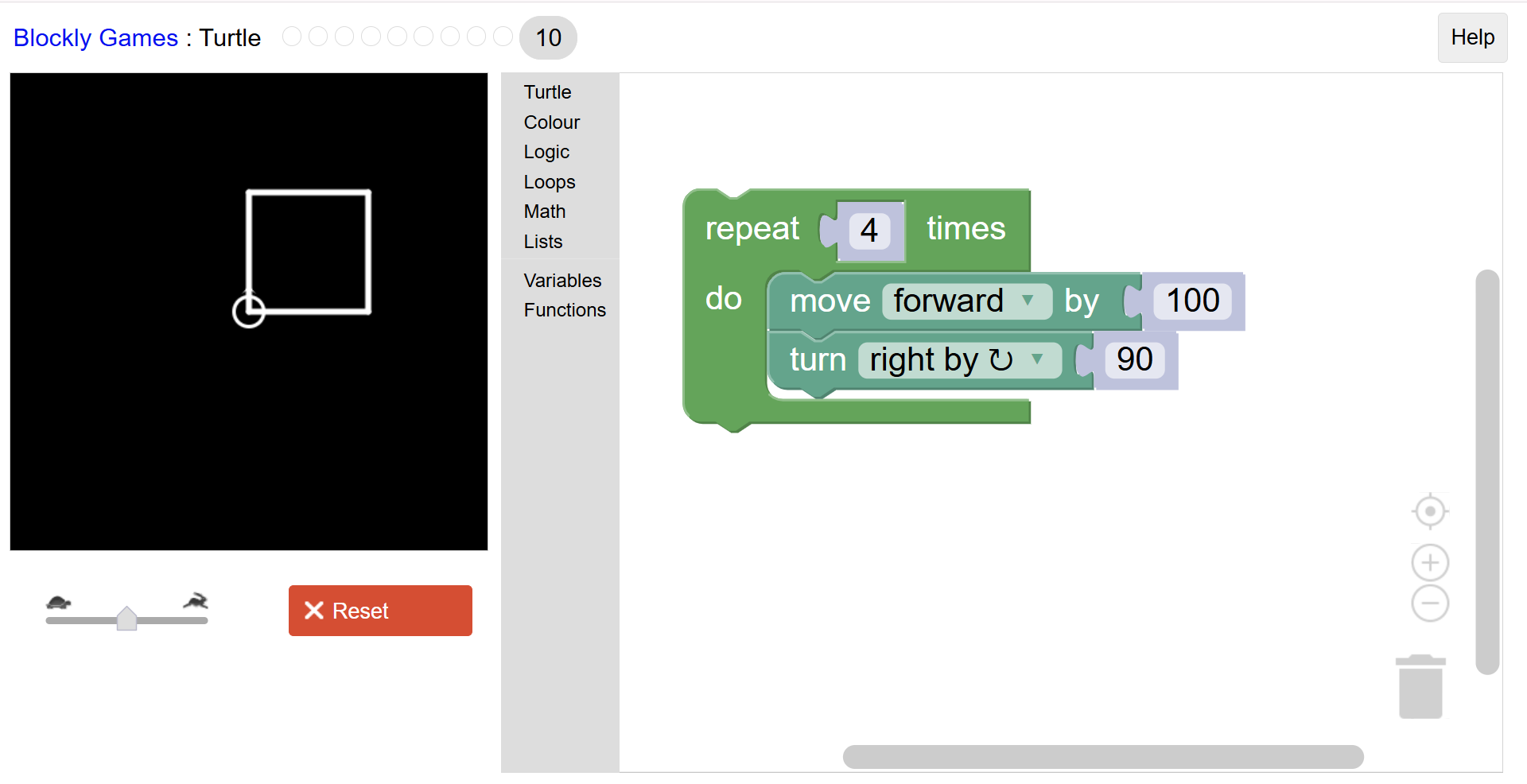
Google Blockly
Turtle
A virtual emulator for Ziggy the Turtle Robot that allows learners to test movement, drawing paths, and coding logic digitally. It makes it easier to explore robotics, geometry, and creative programming before using the real robot.
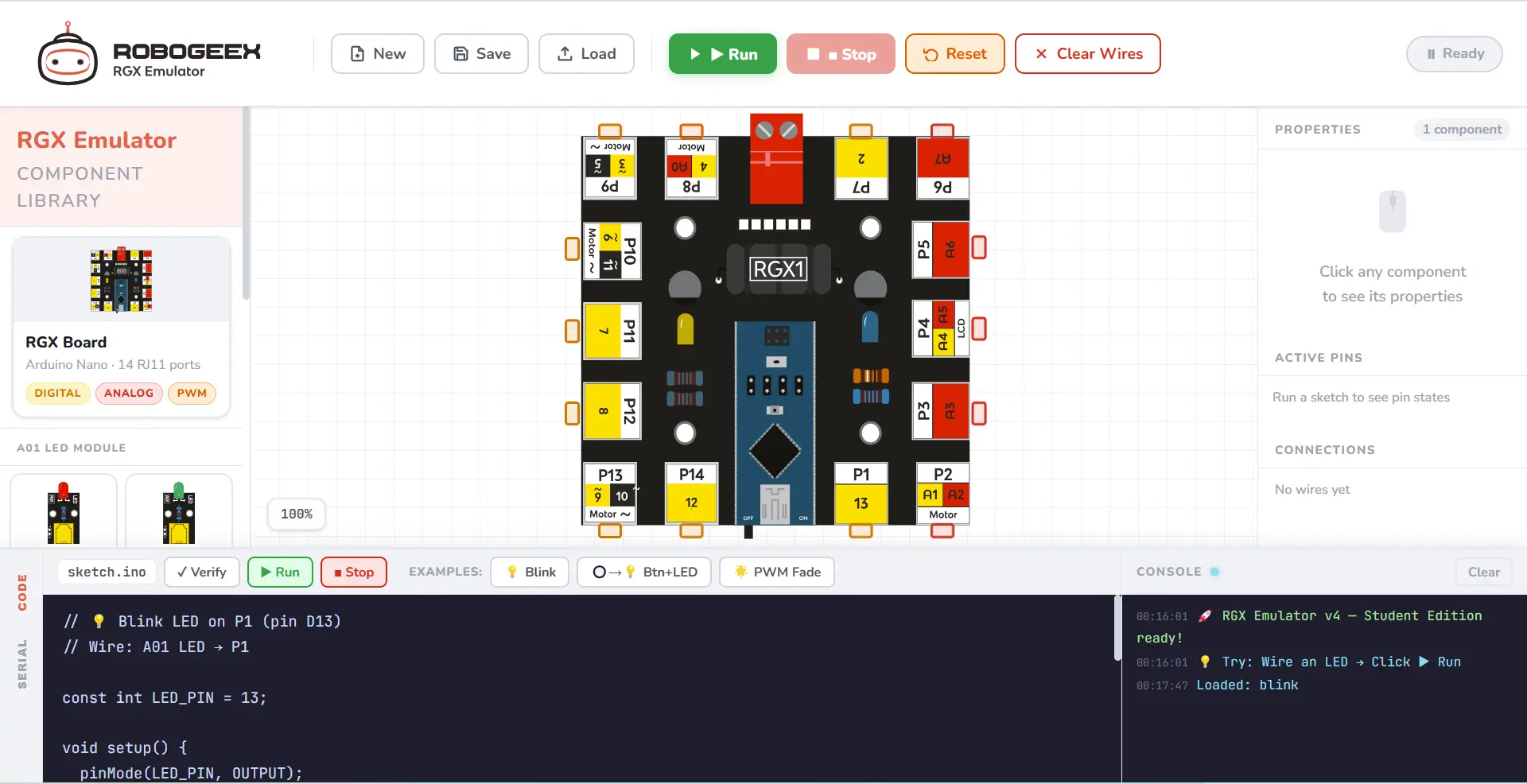
RoboGeex RGX Emulator
A custom emulator designed to support RoboGeex boards and innovation projects. It helps learners simulate board behavior, test connections, and practice programming in a RoboGeex-focused environment.
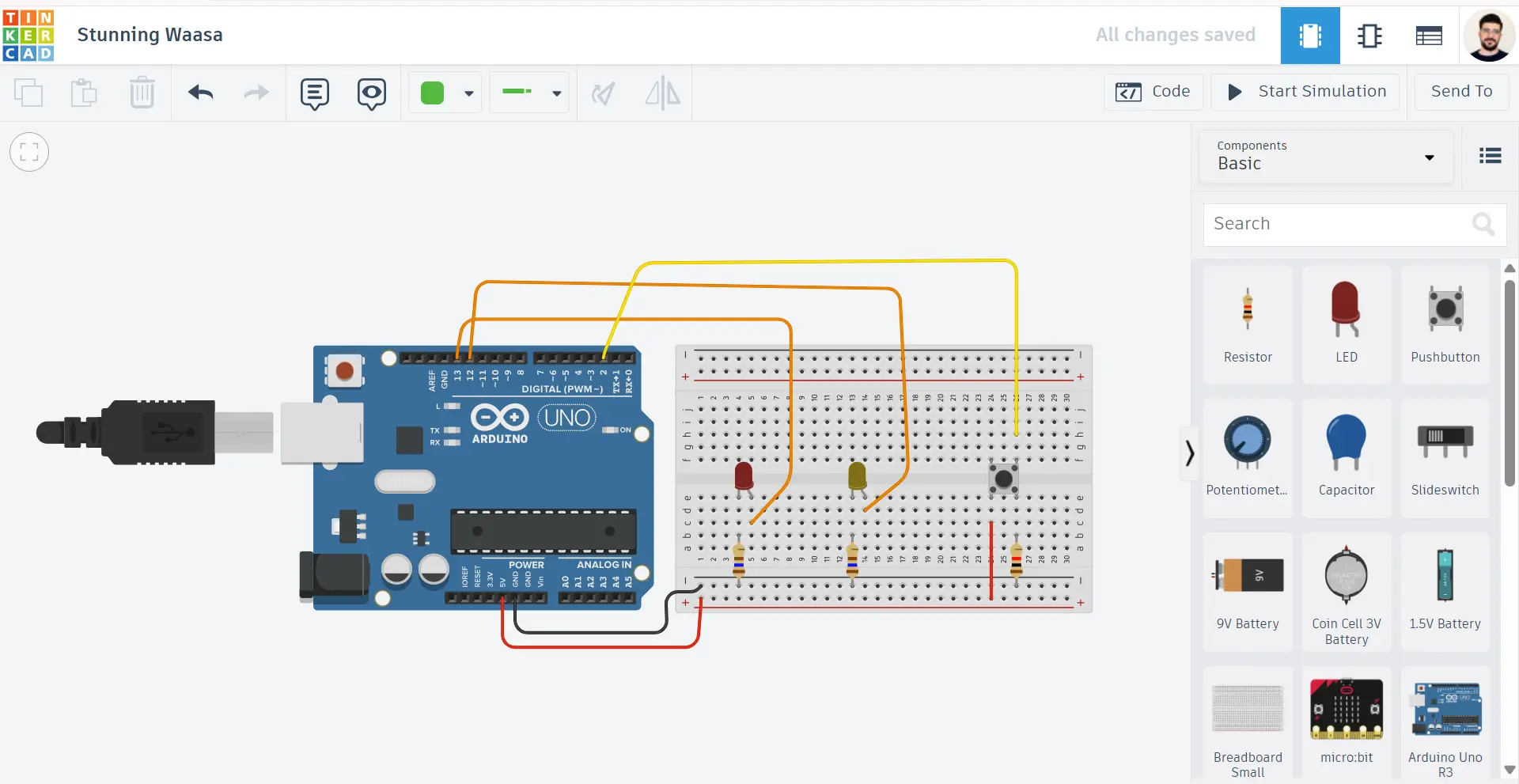
Autodesk
TinkerCAD
A beginner-friendly simulation platform for circuits, Arduino, and electronics projects. It allows students to build, test, and improve their designs before working with real hardware.